A Chrome extension promoting
mindfulness, critical thinking, and living in the moment.
A portion of proceeds are donated to various willife funds to preserve and protect the habitats of wild elephants.
1. Extract the folder.
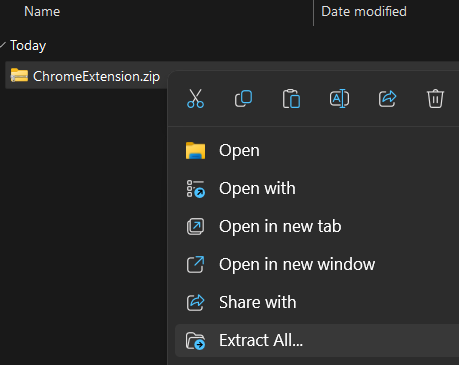
After downloading the file, right click it in File Explorer and select "Extract All".
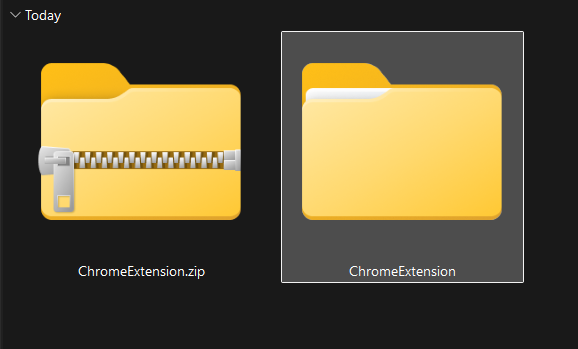
Once you've finished extracting, you can delete the .zip file.
2. Import The Extension.
Next, open Chrome (or your Chrominium-based browser of choice).
Then, navigate to "chrome://extensions" in your URL bar.

Within this page, toggle on "Developer mode" near the top right. This will allow you to import Extensions.

Select the "Load unpacked" button near the top left of the page.
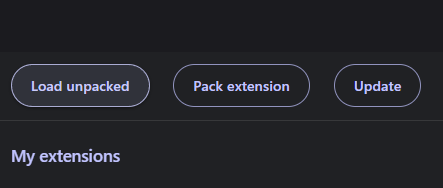
Select the unzipped extension folder from earlier, and then "Select Folder"

One Last Step!
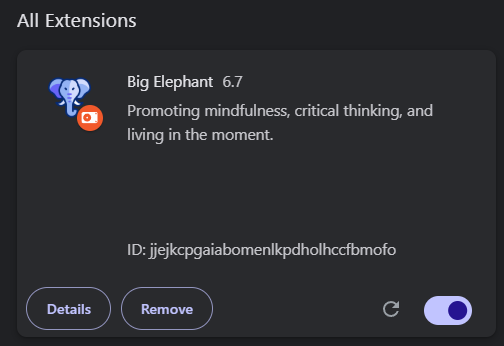
Just open the extension under the puzzle icon to the right of your URL bar, and switch it on.
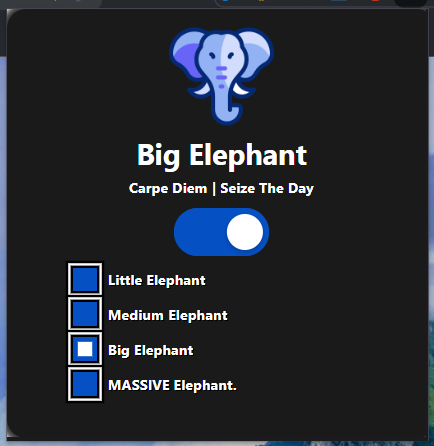
Feel free to explore other options in the popup here.